
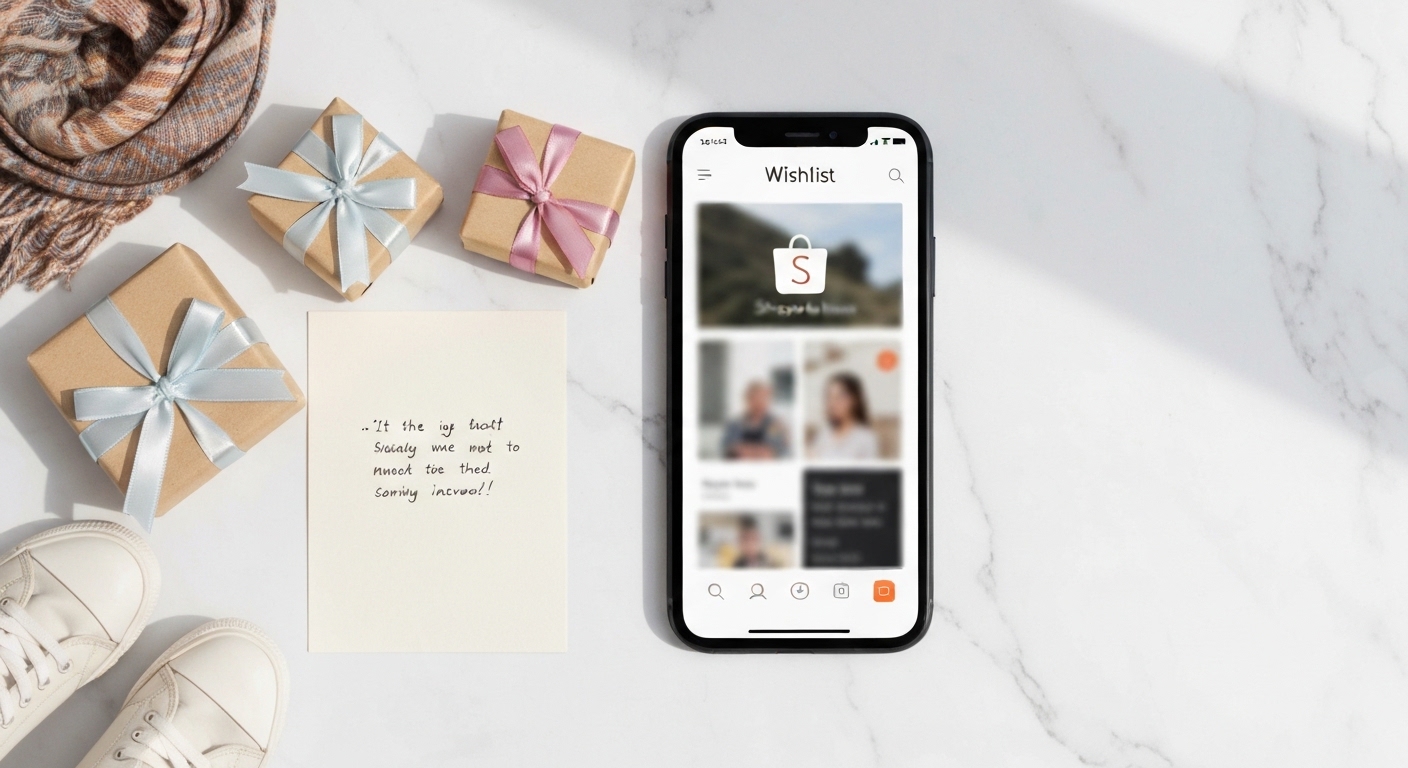
Gift-giving should be easy. It usually is not. Someone asks what you want, you say "oh, nothing special", they buy something you already have or will never use, and everyone ends up slightly disappointed. A wishlist fixes this. Not a mental list you share over the phone, an actual shareable link that people can open, browse, and buy from.
AoNeeNa is built exactly for this. Here is how to set one up, make it useful, and share it in a way that actually gets results.
Step 1: Create your account
Go to aoneena.com and sign up. The process takes about two minutes: email, password, and a display name. You do not need to verify a phone number or fill in a billing address. Guests who view your list later do not need to create an account at all.
Step 2: Start a new wishlist
From your dashboard, click "New Wishlist". Give it a name that tells guests what it is for. "Birthday 2026" works. "Housewarming: new condo in Phuket" is even better, because it sets context immediately. You can create as many lists as you like, one per occasion.
At this stage, you also choose the privacy setting: public (searchable on AoNeeNa), or private (only visible to people who have your link). For most people, private with a shared link is the right call.
Step 3: Add items from Shopee
This is where most of the time goes, and it goes quickly. Copy a Shopee product URL and paste it into the "Add item" field. AoNeeNa pulls the product name, image, and price automatically. You can then add a short note ("any color is fine, but I prefer the blue one") and set a priority tag if some items matter more than others.
Here are a few items to give you a feel for how it looks:
You can add items from multiple categories in the same list. A birthday wishlist might include a book, a kitchen gadget, and a skincare product. A housewarming list might mix plants, home appliances, and decor. The point is that guests see everything in one place.
Step 4: Set a price range
People feel more comfortable shopping when they know what range they are in. AoNeeNa lets you tag items by budget tier: "under 500 THB", "500 to 1500 THB", "over 1500 THB". Guests can filter by tier and pick something that fits their budget without awkwardness.
A few items in each tier is better than a list that is all expensive or all cheap. It gives guests real options.
Step 5: Write notes that actually help
Notes make the difference between a list people use and a list that just sits there. Some things worth writing:
Which variant you want (size, color, model number). Whether you need it urgently or it can wait. If there is a specific seller on Shopee you prefer. If the item is something you already have one of and do not need more.
"Blue, size M, not black" is the kind of note that saves a gift from being exchanged the week after.
Step 6: Share the link
Copy your wishlist URL from the dashboard. Drop it in the group chat, send it in the birthday party invitation, put it in your Instagram bio if the occasion calls for it. One link covers everyone.
When someone decides to buy an item, they click "Mark as reserved" or "Mark as purchased". Others can see this and skip to something else. No more three people buying the same thing.
Tips that make your list better
Keep the list to 10 to 20 items. A list with 50 items creates decision paralysis. People want to pick something, not curate from a catalogue.
Update it. Remove things you no longer want. Add new things as you think of them. An outdated list leads to outdated gifts.
Include at least a few items under 300 THB. Some guests want to give something small and thoughtful without spending a lot. Small items on your list let them do that comfortably.
Add a cover image or a short description to the list itself. "Moving into my first Chiang Mai apartment" or "Finally hitting 30" gives the list a bit of personality and reminds guests why they are there.
When to use a wishlist
Birthdays are the most obvious case, but a wishlist works for any occasion where multiple people might be buying you something. Housewarming parties. Weddings. Baby showers. Songkran. Graduation. Even just "I am about to go on a long trip and here is what would make it better".
The logic is always the same: you say what you want once, publicly, and everyone can see it. Less guessing, fewer duplicates, more useful gifts all around.
Get started
It takes about ten minutes to create a complete, share-ready wishlist on AoNeeNa. The hardest part is deciding what you actually want. Once the list exists, sharing it is one link and a few words of explanation.
Create your free wishlist on AoNeeNa and send it the next time someone asks what you want for your birthday.
Related articles
Frequently Asked Questions
Do I need to create an account to buy something from someone's wishlist?
No, guests do not need to create an account at all. You can simply open the link, browse the items, and proceed to purchase directly from Shopee without signing up on AoNeeNa.
Can I make my wishlist completely private so only certain people can see it?
Yes. When you create a wishlist, you can choose between public (searchable on AoNeeNa) or private (only visible to people with your direct link). Private with a shared link is the best option for most people.
How do I add items to my wishlist if they are on different Shopee sellers?
Just copy and paste each Shopee product URL into the Add Item field. AoNeeNa automatically pulls the product name, image, and price from any Shopee link, so you can easily combine items from multiple sellers into one list.
Can I add notes or preferences to items on my wishlist?
Yes, after adding an item from Shopee, you can add a short note like your color preference or size, and you can also set priority tags to show which items matter more to you.
Enjoyed this article?
Got Dream Gifts on Your Mind? Let's Make it Happen!
No more unwanted gifts! Share exactly what you'd love with friends and family. Perfect for weddings, birthdays, holidays, or just because!
It's 100% Free to Use! Easy setup in just minutes.
About the Author

Nena
นักเขียนและที่ปรึกษาเรื่องของขวัญประจำ AoNeeNa ชอบหาไอเดียของขวัญสุดครีเอทที่ทำให้คนรับยิ้มได้ทั้งวัน ไม่ว่าจะวาเลนไทน์ วันเกิด งานแต่ง หรือขึ้นบ้านใหม่ มีไอเดียดีๆ มาแชร์เสมอค่ะ 🎀
แชร์เรื่องราวการให้ของขวัญของคุณ (Share Your Gift Story)
คุณเคยให้ของขวัญชิ้นนี้ หรือมีไอเดียดีๆ ไหม? แบ่งปันให้เพื่อนๆ รู้หน่อย! (Have you given this gift or have a great idea? Share it with others!)